
Share the cost of the trip, not just the road.
Find a seat in a car already making the journey, or fill the empty seats in yours.
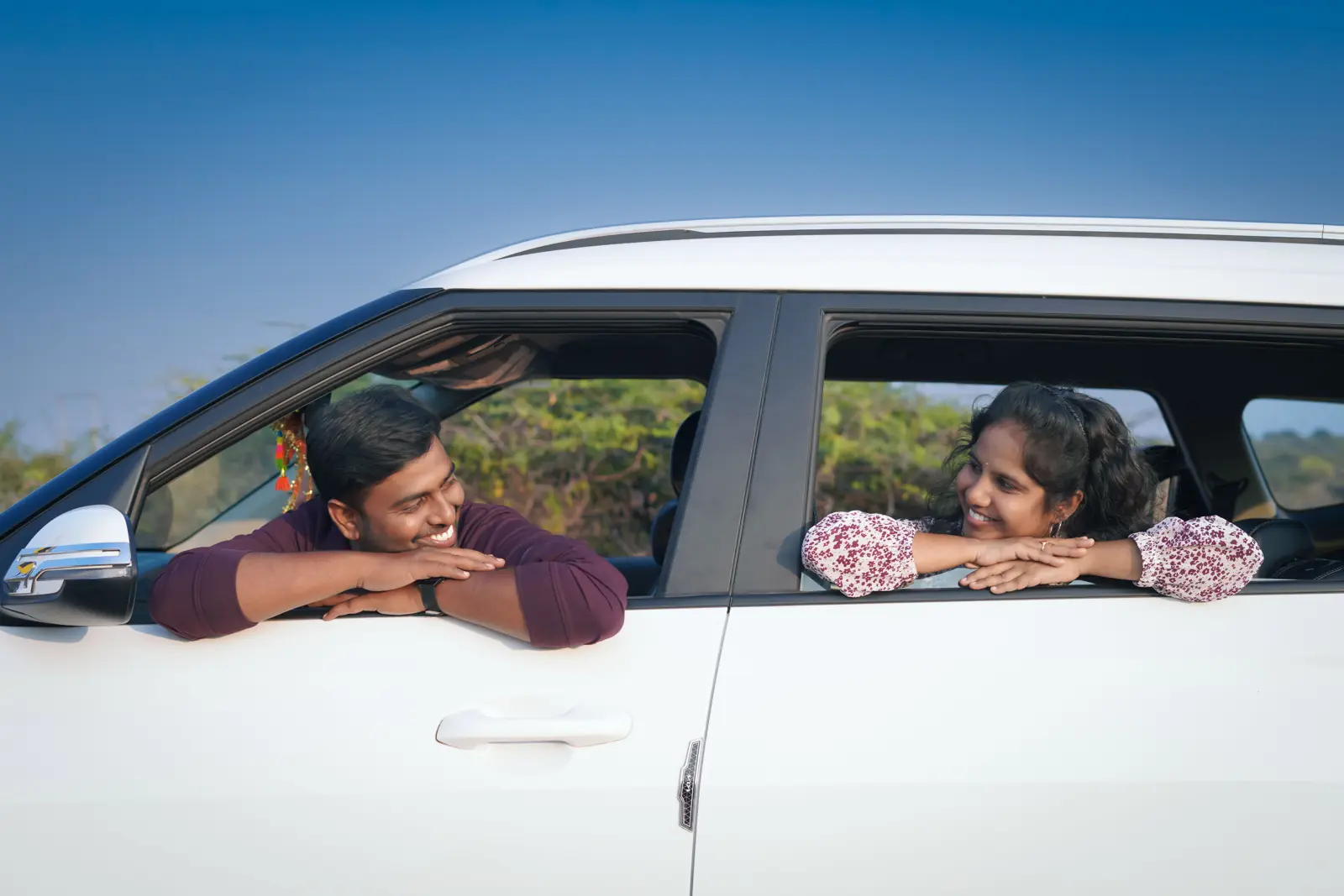
Why Tezzo
No fee on top
The price the driver sets per seat is what you pay. Tezzo adds nothing.
Women-only rides
Women drivers can keep a ride for women passengers, checked when each seat is booked.
Talk before you go
Chat on Tezzo. Phone numbers are shared only once a booking is confirmed.
Rides going out soon
Published by drivers on Tezzo, and shown here the moment they are.
No rides published for this route yet
This list matches towns along each ride’s route. Searching within 100 km also finds rides that pass near you, and Tezzo can tell you when one is published.
Rides could not be loaded
Check your connection and try again.
Boarding or leaving at a stop along the way is priced when you book. Booking needs a free Tezzo account.
How it works
Search your route
Pick where you are leaving from, where you are going and the day. You see the seat price before you book.
Book your seat
Some drivers confirm bookings instantly. Others approve each request themselves.
Travel together
Pay the driver directly, by cash or UPI. Afterwards you rate each other.
Driving anyway?
Fill the empty seats.
Publishing a ride takes a few minutes, and passengers share the cost of the fuel.
- You set the price per seat, and passengers pay you directly.
- Approve every request, or let bookings confirm themselves.
- Add stops on the way, so more people can join the trip.

Know who you travel with
ID verification
Submit a government ID. Approved profiles carry a badge.
Your number stays private
Only the other side of a confirmed booking sees it.
SOS during the ride
Call 112, call your emergency contact, or share your trip details.
Report and block
Our team reviews every report, and a block works both ways.
Popular routes
101 cities across 23 states and union territories. Tap a route to see who is driving it.
See all 101 cities
Rajasthan
Bhiwadi, Jaipur, Sikar, Jhunjhunu, Gudha Gorji, Alwar, Behror, Kotputli, Shahpura, Chomu, Bagru, Dausa, Reengus, Sri Madhopur, Neem Ka Thana, Fatehpur, Churu, Ratangarh, Sujangarh, Nagaur, Bikaner, Ajmer, Pushkar, Kishangarh, Beawar, Bhilwara, Udaipur, Chittorgarh, Kota, Bundi, Jhalawar, Baran, Sawai Madhopur, Tonk, Bharatpur, Dholpur, Karauli, Pali, Jodhpur, Barmer, Jaisalmer, Sirohi, Sikar Road, Khatu Shyamji, Lakshmangarh, Ramgarh Shekhawati, Mukundgarh, Nawalgarh, Pilani, Mandawa, Sadulpur
Haryana
Gurugram, Faridabad, Manesar, Rewari, Narnaul, Mahendragarh, Loharu, Karnal, Panipat, Ambala, Hisar, Rohtak, Sonipat
Uttar Pradesh
Noida, Greater Noida, Ghaziabad, Agra, Mathura, Lucknow, Kanpur
Gujarat
Ahmedabad, Surat, Vadodara
Maharashtra
Mumbai, Pune, Nagpur
Delhi
Delhi, New Delhi
Jammu and Kashmir
Jammu, Srinagar
Kerala
Thiruvananthapuram, Kochi
Madhya Pradesh
Bhopal, Indore
Punjab
Ludhiana, Amritsar
Uttarakhand
Dehradun, Haridwar
Assam
Guwahati
Bihar
Patna
Chandigarh
Chandigarh
Chhattisgarh
Raipur
Goa
Panaji
Himachal Pradesh
Shimla
Jharkhand
Ranchi
Karnataka
Bengaluru
Odisha
Bhubaneswar
Tamil Nadu
Chennai
Telangana
Hyderabad
West Bengal
Kolkata
Questions
The same answers the app gives under Help and Support.
Still stuck? Email Tezzocar@gmail.com or call +91 78510 99496.
How do I book a ride?
Search for a route on the Find a ride tab, pick a matching ride, and confirm your seats. You can book for yourself and any saved passengers travelling with you.
How do I pay for a ride?
You pay the driver directly — cash or UPI, whichever the two of you prefer. Money does not go through Tezzo, so there is nothing to add to the app and no card or bank details to enter. Agree the amount from the ride, and settle it with the driver.
Can I cancel a booked ride?
Yes, both drivers and passengers can cancel before the ride starts, from the Bookings tab.
What does “ID Verified” mean?
A verified user has submitted a government ID (Aadhaar, Driving License, PAN, or Passport) that Tezzo has reviewed and approved. Look for the checkmark badge on a profile.
How many vehicles can I add?
Up to 5 vehicles. Premium Driver status raises this to 10.
Who can see my profile information?
Your name, photo, rating, ride count, and verification/premium badges are visible to anyone. Your bio and city are private by default — you can choose to share them in Edit personal details.
25 more questions
Can I book more than one ride on the same route and date?
No — you can only hold one active booking per route (from city, to city, date) at a time. If you need to change rides, cancel your current booking first.
What does “auto-accept” mean for a ride?
When a driver enables auto-accept, bookings are confirmed instantly. If it’s off, the driver reviews each request before confirming.
What is “women only” on a ride?
Some drivers mark a ride as reserved for women passengers only. If you try to book one and this doesn’t apply to you, you’ll see “This ride is reserved for women passengers only.”
Can I set a seat position or chattiness preference?
Yes — your Travel Preferences (in Profile > Account) let you set defaults for chattiness, music, pets, smoking, and luggage space, which pre-fill new rides you publish. You can still change any of them per ride.
How do I get paid as a driver?
Your passengers pay you directly, in cash or by UPI. Tezzo never collects the money, so there is no payout to wait for and no bank details to set up — what the passenger hands you is what you keep.
Where can I see my earnings?
Tezzo does not record what you were paid, because the money never passes through the app. Your ride history is under the Rides tab; the amounts are between you and your passengers.
Is my payment information safe?
Tezzo never asks for card numbers, and the app does not ask for bank details or a UPI ID either, because payment happens directly between passenger and driver. Some earlier versions let you save a UPI ID or bank details in your profile; if you did, they are visible only to you, are never used to move money, and are erased with your account. To have them removed sooner, email us.
How is the total price of my ride calculated?
The total is your seat price (price per seat × number of seats) plus any optional add-ons you choose during booking, like extra luggage space. There is no separate Tezzo platform fee added on top.
What are add-ons and are they optional?
Add-ons are extras a driver may offer when publishing a ride (e.g. extra luggage space), each with its own price and quantity limit. They’re entirely optional — only what you select is added to your total.
Does cancelling affect my account?
Late cancellations (close to the scheduled pickup time) may affect your account rating and, for drivers, future visibility in ride search results.
What happens to my money if a ride is cancelled?
If you had already paid the driver, ask them for it back — Tezzo never held it and cannot return it. If you had not paid yet, there is nothing to settle. If a driver refuses to return money for a ride that did not happen, report it from their profile and our team will look into the account.
Who do I contact if there is a problem with money?
Use “Report a problem” from your Profile, or the report option on the other person’s profile. Tezzo can act on an account — including banning it — but cannot move money, because none of it goes through us.
How do I verify my own ID?
Go to Profile > Verify your Govt. ID, choose your document type, and upload clear front/back photos. Review usually happens shortly after submission.
Where can I see someone’s full trust info before riding with them?
Tap the verified checkmark on their profile to open the Trust & Safety screen — it shows verification status, member-since duration, rides completed, and rating.
When is a driver or passenger’s phone number shared?
Phone numbers are only revealed to each other once a booking is confirmed — never before, and never to anyone outside that specific booking.
How do I report a safety concern?
Use “Report a problem” from your Profile, or the report option on a specific driver/passenger/ride. See “Still need help?” below for a shortcut.
How do I stay safe from scams while using Tezzo?
Pay the driver at the ride, not before it. Nobody from Tezzo will ever ask you for money, for a payment link, or for your card, bank, or UPI credentials — we do not handle payments at all, so any such request is not from us. Confirm the driver, vehicle, and route match your booking before getting in, and meet at the agreed pickup point in a public area.
What if someone asks me to pay in advance?
Paying the driver directly is normal on Tezzo — paying a stranger BEFORE the ride is not. Settle up at pickup or after the trip, never by transferring money to hold a seat. Anyone insisting on advance payment, or sending you a payment link, should be reported from their profile.
What should I do if something feels off during a ride?
Trust your instincts. Don’t get in if the vehicle or driver doesn’t match your booking details, meet in a public place for pickup, and use the Report option on the profile, chat, or booking to flag anything suspicious — our trust team reviews every report.
What is Premium Driver status?
A ribbon badge shown on your profile and ride cards, plus a higher vehicle limit. It’s manually tracked for now — contact support if you believe you should have it.
How do add-ons work when publishing a ride?
You can offer optional extras (e.g. extra luggage space) when posting a ride, each with its own price. A passenger picks the ones they want and the amount is added to what they owe you — which, like the seat price, they pay you directly.
Can I set default ride preferences so I don’t re-enter them every time?
Yes — Travel Preferences (Profile > Account) saves your defaults for chattiness, pets, smoking, and luggage space, and pre-fills them whenever you publish a new ride.
Is my phone number ever public?
No. Your phone number is never shown on your public profile — it’s only shared with a confirmed booking counterpart.
How do I change my email or password?
Profile > Account has separate options for Change Email and Password, plus Two-Factor Authentication.
What happens if I delete my account?
Your personal info is erased immediately. Completed ride records are retained for legal compliance, and the account can’t be used to sign back in.
Going somewhere this week?
Find a seat, or offer the ones you have.